


Use Haynah to request a ride and keep track of the details that matter before, during, and after your trip.

Choose your pickup point and destination in the app.

Check the fare information shown before sending your request.

View your trip status and revisit completed trips in your history.
Request a ride in four steps. A driver must accept your request before the trip can proceed.
Check both locations before continuing.

Review the fare and options shown, then submit your ride request.

After acceptance, check the driver and vehicle details and coordinate pickup using the contact options shown.
Take your ride and pay in cashFollow the trip in the app, pay the final fare in cash, and find the completed trip in your history.


Use Haynah in the language that suits you.
Match the arriving vehicle with the details shown in your trip.

Haynah is for customers requesting rides. Haynah Driver is for drivers managing trips.
Request rides, follow trip details, and review your ride history.
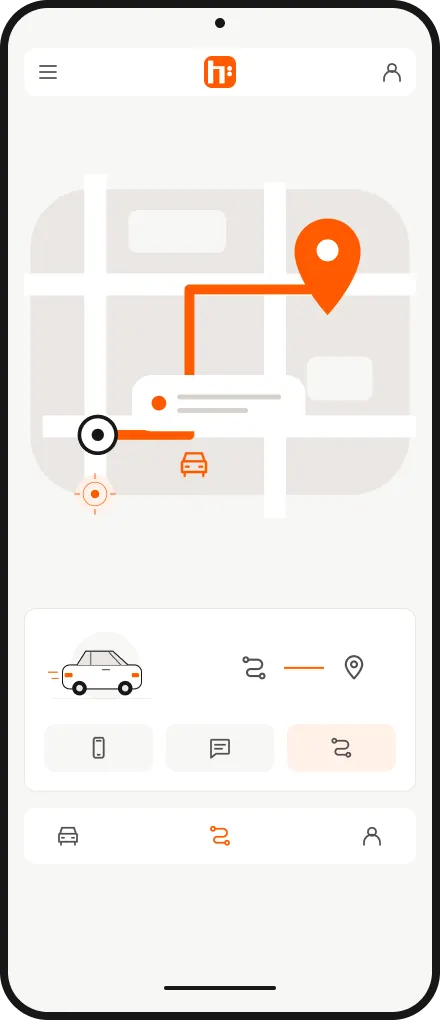
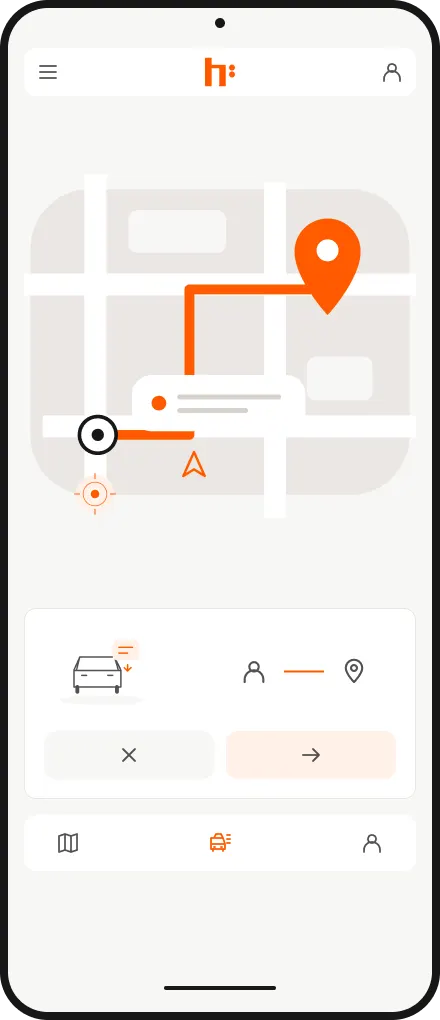
Haynah Driver brings ride requests, trip updates, and earnings information into one app.
Complete your account and vehicle setup, then use the available trip tools when your account and vehicle are eligible.